

20% Off Zero Trust Access Management | CyberQP Special Offer

20% Off Zero Trust Access Management | CyberQP Special Offer

Book Your Demo Today & Receive 20% Off CyberQP Solutions

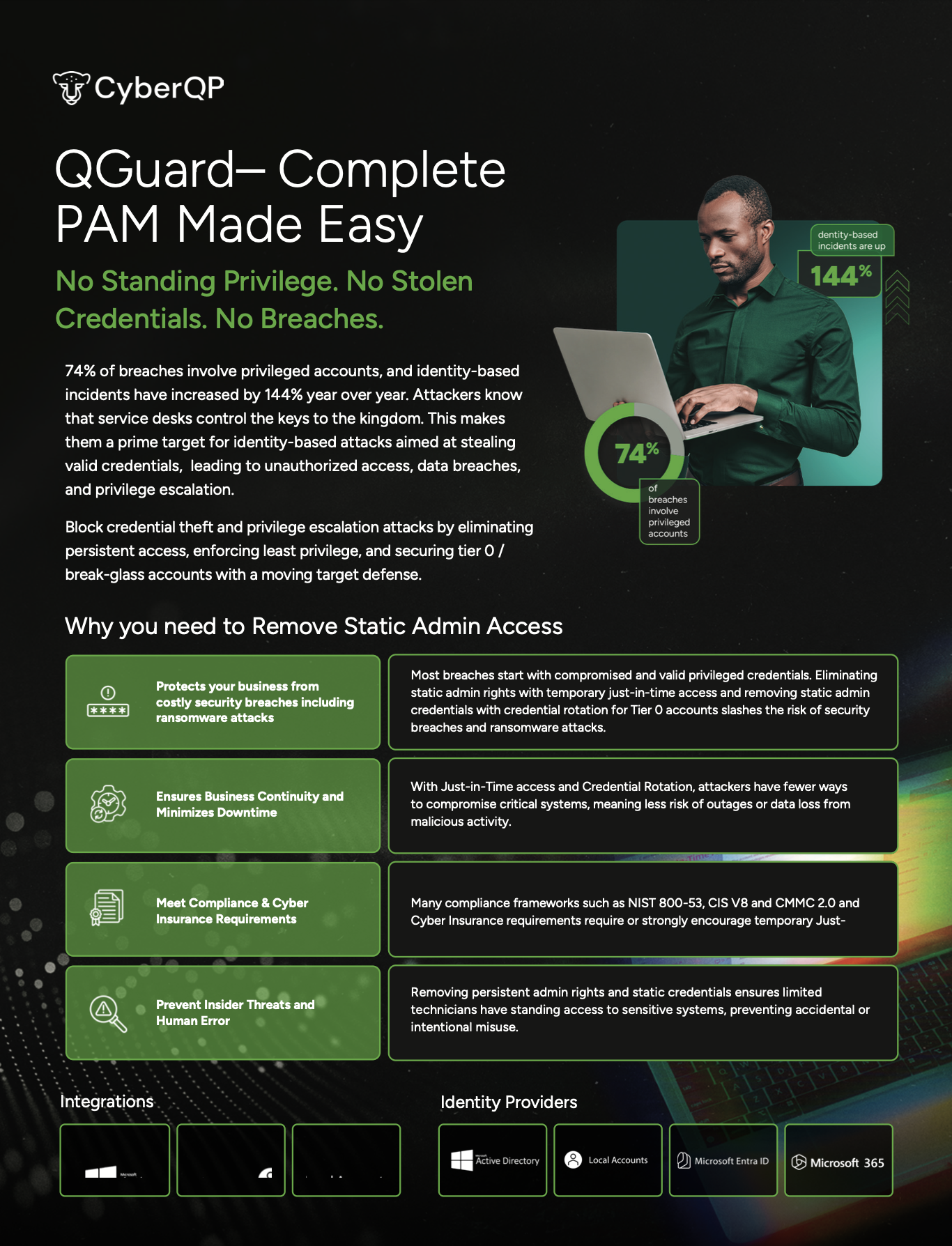
Secure privileged and end-user access with CyberQP’s Zero Trust Management Platform. Get a tailored walkthrough of how CyberQP helps your team reduce risk, improve access control, and support users faster. *Offer valid through 3/31/26

    20% Off for A Limited Time

    In this guided walkthrough, you’ll see how CyberQP secures privileged and end-user access with Zero Trust controls designed for real service desk workflows, so your team can strengthen security without slowing support. You’ll leave with recommended use cases, a fit assessment for your environment, and clear next steps.

    We’ll show you how to:

    • Verify identity before helpdesk actions
    • Eliminate shared credentials and standing privilege
    • Automate privileged account security workflows
    • Streamline technician onboarding and offboarding
    • Improve audit readiness and compliance posture

    What you’ll get:

    • A tailored walkthrough based on your environment and goals

    • A live look at CyberQP’s Zero Trust Access Management Platform

    • Real use cases for privileged and end-user access management

    • Time for Q&A with a CyberQP specialist

    • 20% off qualifying CyberQP solutions when you book by 3/31/26

    CyberQP Looks Different

    CyberQP Looks Different

    A Lot Has Changed Since We Last Talked.

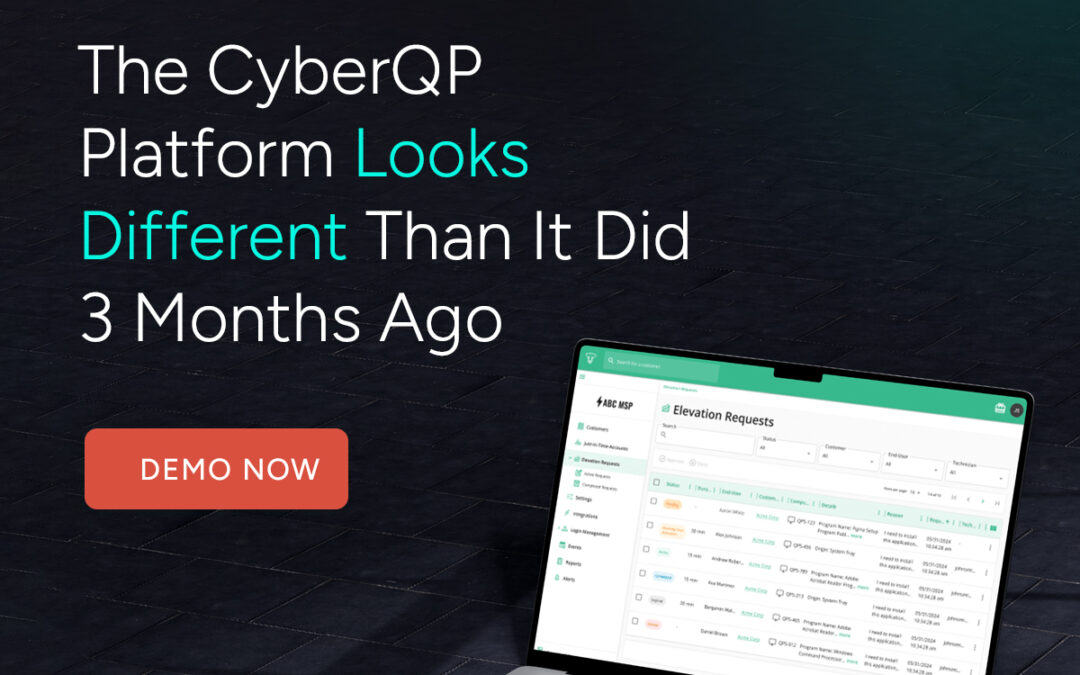
    Since we last spoke, CyberQP has evolved. New releases remove friction for techs, support high-compliance environments, and tighten control without slowing anyone down. Take a fresh look at what’s new, and see if CyberQP now fits the problems you’re solving today.

      What's New with QGuard?

      QGuard

      QTech Mobile End User Elevation Requests

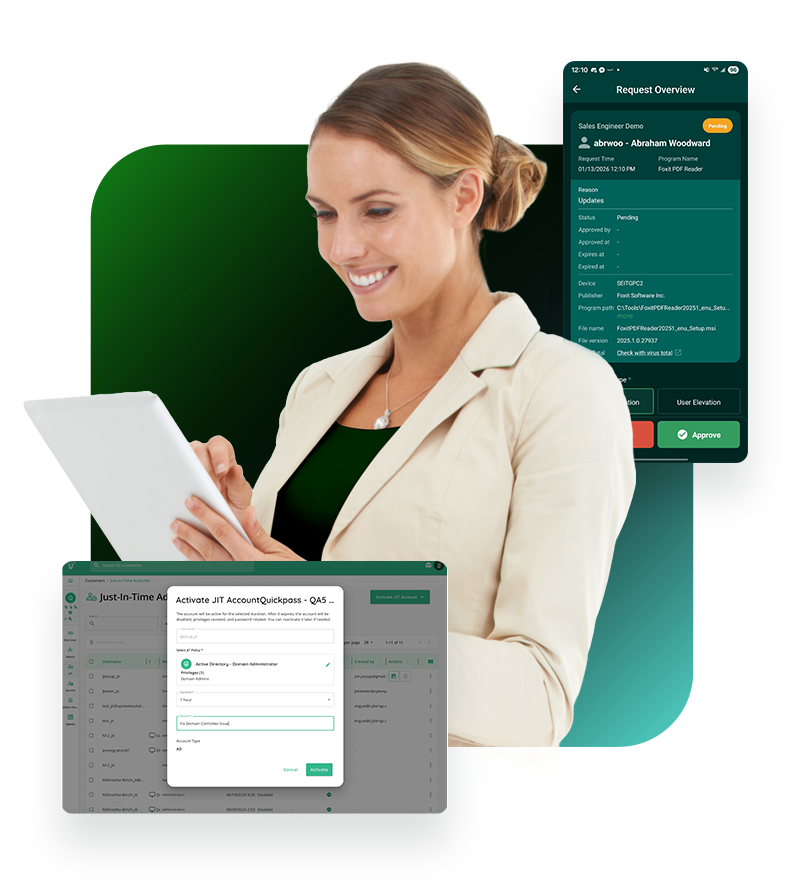
      With this update, End User Elevation Requests can now be reviewed, approved, and managed directly within the CyberQP QTech mobile app which gives admins and technicians a faster way to stay responsive to user needs, even when they’re away from their desks or between customer sites.

      Watch Now →

      In Preview: Burner JIT Accounts & JIT TAP (Temporary Access Pass)

      Burner JIT Accounts extend traditional JIT access by fully removing the account from the target system once the access window expires. Unlike standard JIT accounts, which are suspended after expiration, burner accounts are automatically cleaned up, eliminating residual access and reducing identity sprawl.

      Download the Whitepaper →

      What's New with QDesk?

      QDesk

      *New* Duo for End-User Identity Verification

      CyberQP has expanded with a new identity verification option, Duo Security. This release enables MSPs and IT teams to standardize on Duo Push for end-user identity validation during support interactions, extending existing MFA processes directly into helpdesk workflows.

      Read the Blog →

      *New* Microsoft GCC High Support Now Available in CyberQP

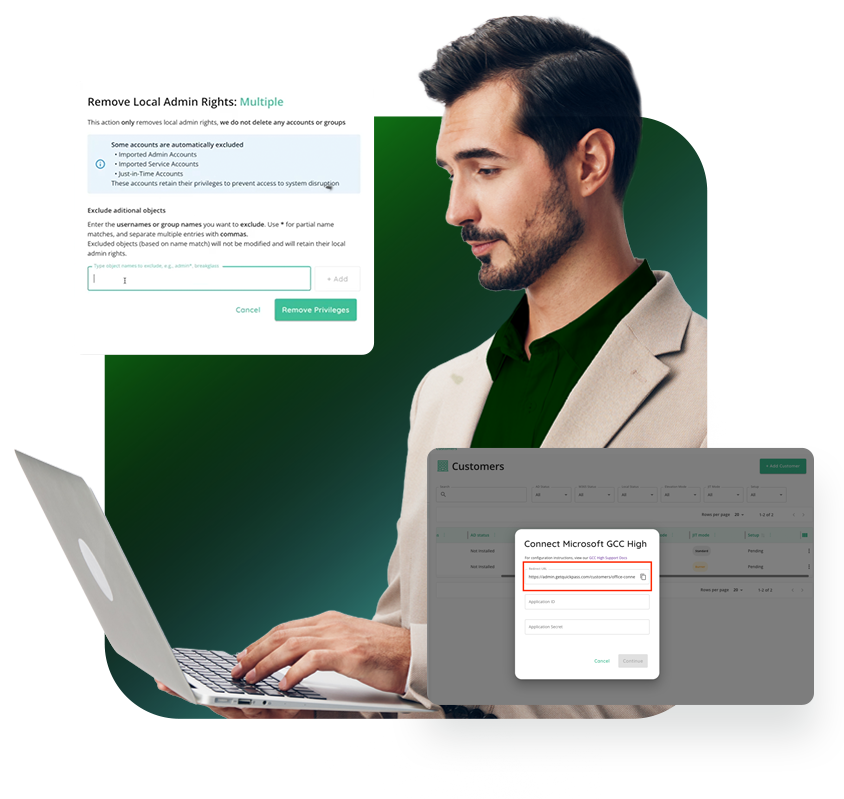
      We’ve added support for Microsoft GCC High environments within CyberQP, unlocking privileged access management capabilities for partners who support GCC High customers.

      With this release, CyberQP can now securely integrate with Microsoft 365 GCC High tenants, enabling core privileged access workflows.

      Explore the KB →

      Audit Mode for Endpoint Privilege Management

       A powerful addition that allows IT Professionals to confidently move their customers away from standing local admin rights, without disrupting daily operations or user productivity.

      Audit Mode allows you to monitor and log every privileged application and process executed by end-users across your managed environments. This added visibility enables IT teams to identify legitimate business-critical tools and workflows in real time.

      Read our Blog →

      Local Admin & UAC Remediation (Agents Overview)

      A new capability within the Agents Overview that helps administrators quickly reduce endpoint risk and prepare environments for privileged access elevation.

      This feature gives clear visibility into which users have local administrator rights on each agented system and makes it easy to remove unnecessary privileges without relying on manual RMM scripts or multi-step workflows.

      Watch a Demo →

      partner stories

      See Why Our Parters Trust CyberQP

      Discover how help desks using CyberQP are securing their identity-based attack surfaces, eliminating standing privileges, and staying ahead of evolving threats. Experience the confidence that comes with a Zero Trust approach. 

      “CyberQP has helped bring a large amount of value to our clients, frees my techs to do more things, and keeps our customers — which [gives us] real peace of mind.”

      -John Douglas

      “It’s been phenomenal. Everyone was super helpful all the way through… I feel like they’re more invested in us than we’re invested in them.

      – RODDY BERGERON

      “[CyberQP] gives us the peace of mind knowing that we’re evolving, we’re rotating [privileged account passwords]…we’re making sure that things are different enough that we’ve reduced that potential attack surface.

      – RAFFI JAMGOTCHIAN

      “We’ve rolled out the agent to almost every managed customer. We implement password changes to uphold their agreement to their errors, omissions and professional liability policy.

      – MICHAEL GOLDSTEIN

      “We were looking for automation more than anything else in our security stack. CyberQP brought that to the table. They allowed us to automate admin password changes, rotate them, and know that we have that comfort.

      – ATUL BHAGAT

      20% Off Zero Trust Access Management | CyberQP Special Offer

      We Appreciate Your Interest

      Thanks for Watching! Book Your Demo Today

      Secured Access starts with CyberQP’s Zero Trust Helpdesk Security Platform. Get a personalized walkthrough of how CyberQP empowers IT teams to secure privileged and end-user access, without slowing things down.

        More On-Demand Webinars

        Stop Privileged Sprawl Before It Spreads

        Stop Privileged Sprawl Before It Spreads

        Stop Privileged Sprawl Before It Spreads

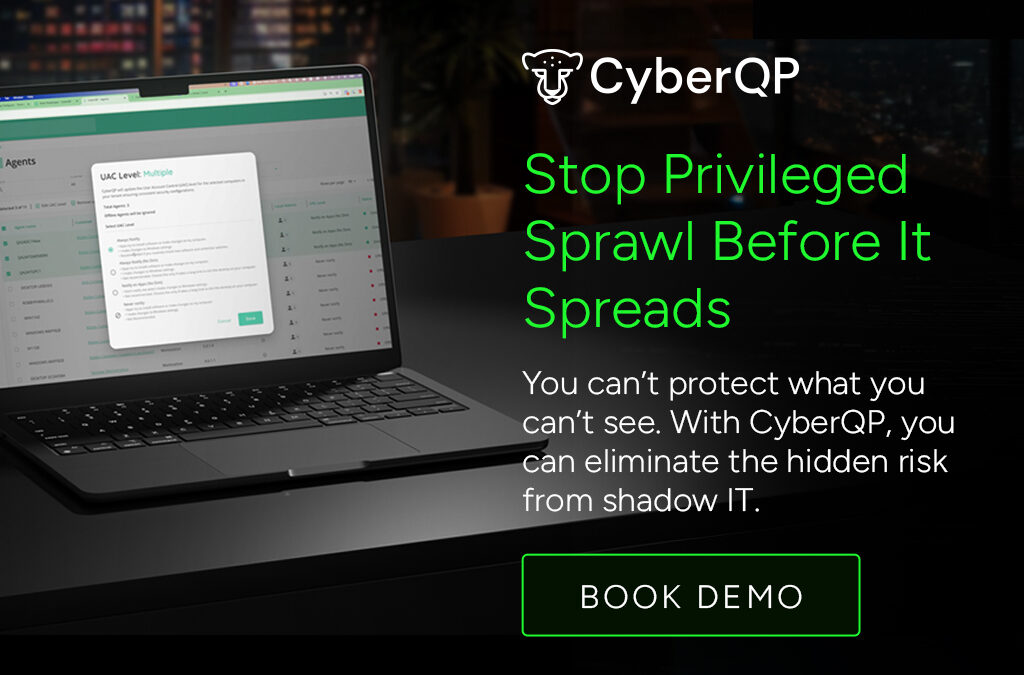
        You can’t protect what you can’t see. Discover, audit, and remediate every privileged account before attackers find them.

        1. Home
        2. Articles

        New Feature: Local Admin & UAC Remediation

        Privileged Access You Can’t See Is Privileged Access You Can’t Control. Privileged accounts multiply quickly across servers, endpoints, SaaS apps, and legacy systems. Over time, you’re left with:
        • Unknown and unused admin accounts
        • Orphaned accounts from past employees or contractors
        • Over-provisioned access nobody remembers granting
        Attackers love this chaos. One forgotten account is all it takes for credential theft, lateral movement, and data loss.


        Just in time accounts

        Privileged Remediation in Action

        Understanding the risks is one thing, seeing how quickly you can remediate them is another. In this walkthrough, we show how QGuard identifies excessive local admin rights and unsafe UAC settings, then guides you through fixing them without slowing down operations.

        Reduce Endpoint Risk Before Privileged Access Is Granted

        See Local Admin Risk Instantly

        Get immediate visibility into who has local administrator rights on every agented system. Identify unnecessary or forgotten admin access without running scripts or digging through RMM workflows, so you know exactly where risk exists before attackers do.

        Remediate Safely at Scale

        Remove excess local admin rights individually or in bulk while excluding required accounts like break-glass users. Update User Account Control (UAC) settings across one device or hundreds at once all from CyberQP.

        Prepare Endpoints for PAM Success

        Unnecessary admin access and misaligned UAC settings can stall privileged access rollouts. By cleaning up endpoints first, teams can confidently move forward with elevation policies, reduce friction for users, and ensure PAM works as intended from day one.

        Just in time access

        Automated Privileged Account Discovery & Remediation.

        QGuard automatically discovers every privileged account across your environment: local admins, domain admins, service accounts, and shadow identities. We then give you clear visibility into what’s unknown. With fast risk auditing and guided remediation, you can right-size privileges, remove toxic access, and safely clean up inherited accounts from M&A without disrupting the business.


        FAQs

        Will QGuard disrupt production systems?

        QGuard is designed for safe discovery and controlled remediation so you can phase changes in without outages.

        Can QGuard help with newly acquired companies?

        Yes. QGuard gives you visibility into inherited privileged accounts so you can quickly align access with your standards.

        How long does it take to get value?
        Most teams see high-risk accounts and easy wins in their first scan.

        Book a Live QGuard Demo

        See how CyberQP QGuard discovers and remediates privileged accounts across your environment, without weeks of manual effort.

          Basic JIT Access Isn’t Enough (Manufacturing)

          Basic JIT Access Isn’t Enough (Manufacturing)

          Basic JIT Access Isn't Enough

          Make auditing easy with technician-specific JIT. No shared accounts.

          1. Home
          2. Articles

          PAM Just Got Better.

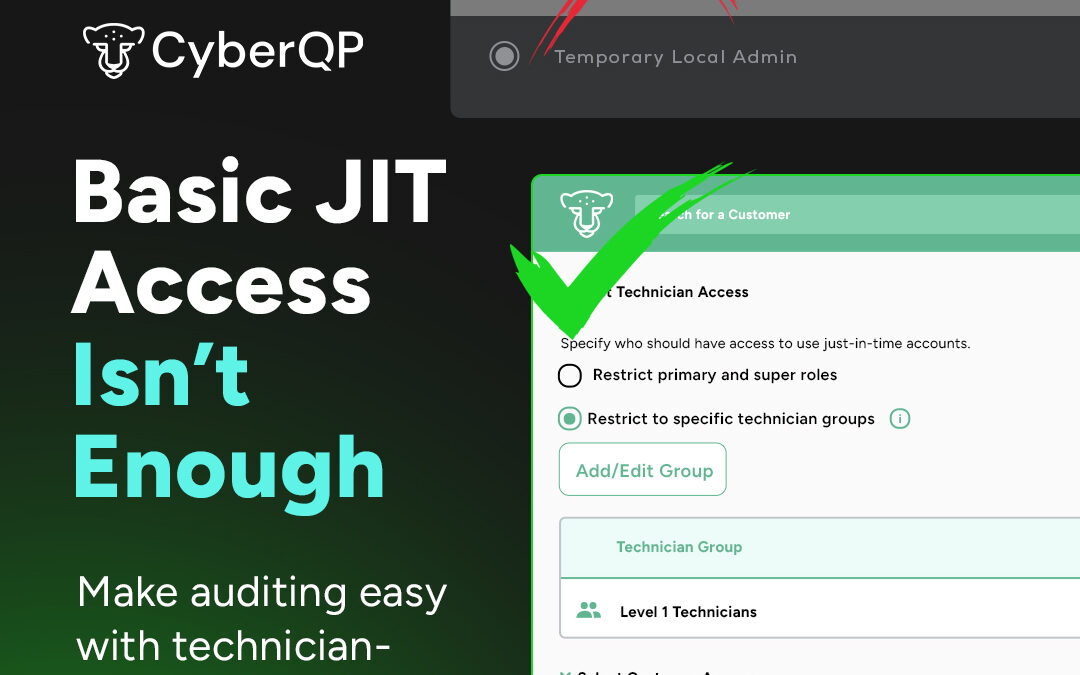
          CyberQP’s latest update gives you more control over how and where Just-in-Time (JIT) access is applied. With new customer-specific policies, you can define which customers or customer groups each JIT policy applies to, ensuring the right access is granted only when and where it’s needed.

          This enhancement helps IT teams reduce unnecessary access, streamline management, and maintain stronger security across all environments.


          Just in time accounts
          Just in time access

          Experience What Zero Trust Can Achieve.

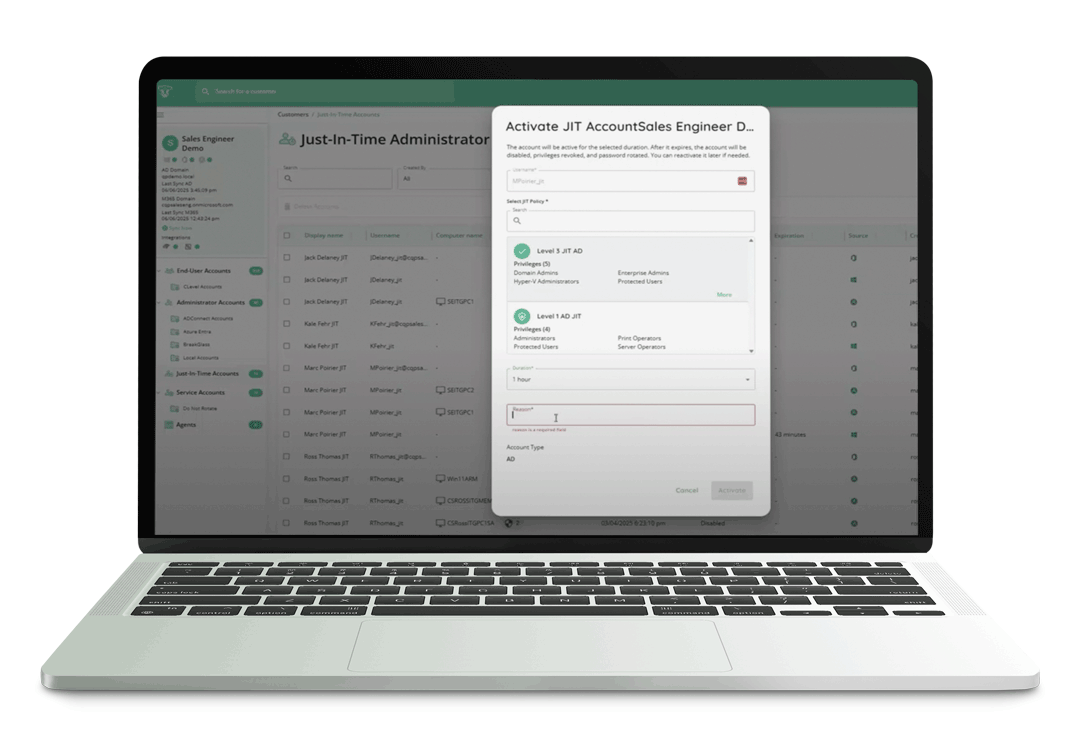
          JIT Accounts eliminate standing privilege by provisioning temporary, least-privilege access exactly when it’s needed and only for as long as it’s needed. This approach enforces Zero Standing Privilege, helps meet compliance and cyber insurance requirements, and dramatically reduces the attack surface of privileged accounts.


          Upgrade From Basic To Brilliant.

          See how CyberQP’s Just-in-Time Accounts let you grant temporary access exactly when it’s needed, with full visibility and audit tracking. Learn how customer-specific policies and least-privilege rules help reduce unnecessary standing privileges and keep your environment secure. The demo walks through how IT teams can simplify access management while staying compliant and in control.

          PAM At Your Fingertips.

          Enable IT Professionals to access endpoints instantly without passwords—using number matching MFA for phishing resistant identity verification. Meanwhile, enforce RBAC and maintain audit trails with technician passwordless authentication, tracking, and auditing. Experience a quick and secure login experience through our QTech App.

          Technicians spend too much time switching between tools, copying credentials, and juggling workflows. Every extra step increases the chance of errors and slows down response times. The QTech Browser Extension changes that by letting you manage JIT accounts and credentials directly in your browser, no context switching required.

          Compatability

          Broad Compatibility:

          The QTech Browser Extension is available now on the Chrome Web Store and works with all major Chromium-based browsers, including Chrome, Edge, and Brave.

          Credential Autofill

          Credential Autofill:

          Skip the copy-paste hassle. Autofill usernames, passwords, and TOTP codes directly into Microsoft login pages or launch Microsoft portals with credentials preloaded.

          One Click Activation

          One-Click Activation:

          Activate, enable, disable, extend time, or delete JIT accounts in seconds, right from your toolbar. Instantly find accounts across all customers, filter by customer, and view key details.

          Go Beyond Basic JIT Access.

          Book Your 30-min Platform Overview Today

            Basic JIT Access Isn’t Enough (Manufacturing)

            Basic JIT Access Isn’t Enough (legal)

            Basic JIT Access Isn't Enough

            Make auditing easy with technician-specific JIT. No shared accounts.

            1. Home
            2. Articles

            PAM Just Got Better.

            CyberQP’s latest update gives you more control over how and where Just-in-Time (JIT) access is applied. With new customer-specific policies, you can define which customers or customer groups each JIT policy applies to, ensuring the right access is granted only when and where it’s needed.

            This enhancement helps IT teams reduce unnecessary access, streamline management, and maintain stronger security across all environments.


            Just in time accounts
            Just in time access

            Experience What Zero Trust Can Achieve.

            JIT Accounts eliminate standing privilege by provisioning temporary, least-privilege access exactly when it’s needed and only for as long as it’s needed. This approach enforces Zero Standing Privilege, helps meet compliance and cyber insurance requirements, and dramatically reduces the attack surface of privileged accounts.


            Upgrade From Basic To Brilliant.

            See how CyberQP’s Just-in-Time Accounts let you grant temporary access exactly when it’s needed, with full visibility and audit tracking. Learn how customer-specific policies and least-privilege rules help reduce unnecessary standing privileges and keep your environment secure. The demo walks through how IT teams can simplify access management while staying compliant and in control.

            PAM At Your Fingertips.

            Enable IT Professionals to access endpoints instantly without passwords—using number matching MFA for phishing resistant identity verification. Meanwhile, enforce RBAC and maintain audit trails with technician passwordless authentication, tracking, and auditing. Experience a quick and secure login experience through our QTech App.

            Technicians spend too much time switching between tools, copying credentials, and juggling workflows. Every extra step increases the chance of errors and slows down response times. The QTech Browser Extension changes that by letting you manage JIT accounts and credentials directly in your browser, no context switching required.

            Compatability

            Broad Compatibility:

            The QTech Browser Extension is available now on the Chrome Web Store and works with all major Chromium-based browsers, including Chrome, Edge, and Brave.

            Credential Autofill

            Credential Autofill:

            Skip the copy-paste hassle. Autofill usernames, passwords, and TOTP codes directly into Microsoft login pages or launch Microsoft portals with credentials preloaded.

            One Click Activation

            One-Click Activation:

            Activate, enable, disable, extend time, or delete JIT accounts in seconds, right from your toolbar. Instantly find accounts across all customers, filter by customer, and view key details.

            Go Beyond Basic JIT Access.

            Book Your 30-min Platform Overview Today