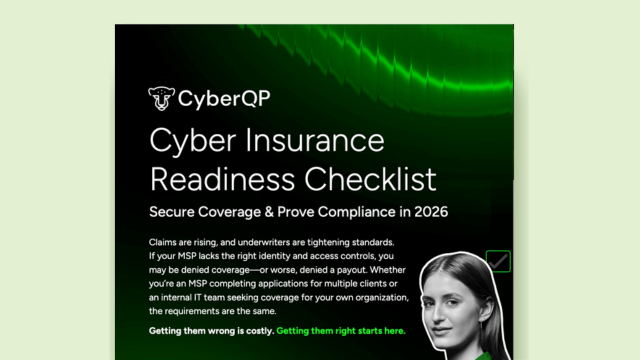



We’re excited to announce the release of the CyberQP QTech Browser Extension, a new way to bring Just-in-Time (JIT) account management and credential autofill right into your browser. This feature makes privileged access security faster, simpler, and more efficient for technicians and IT teams.
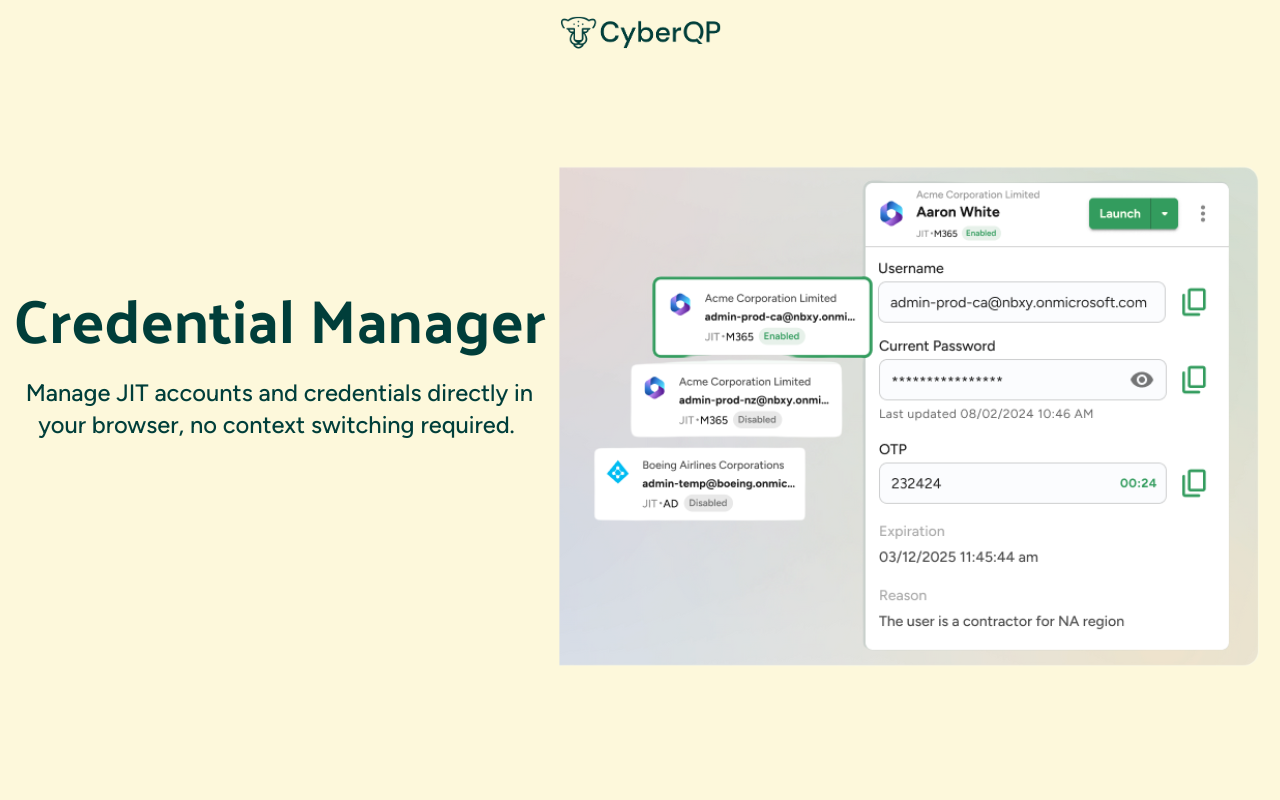
Technicians spend too much time switching between tools, copying credentials, and juggling workflows. Every extra step increases the chance of errors and slows down response times. The QTech Browser Extension changes that by letting you manage JIT accounts and credentials directly in your browser, no context switching required.
Highlights:
- Search & View JIT Accounts: Instantly find accounts across all customers, filter by customer, and view details like status, expiration, and policy, all in one place.
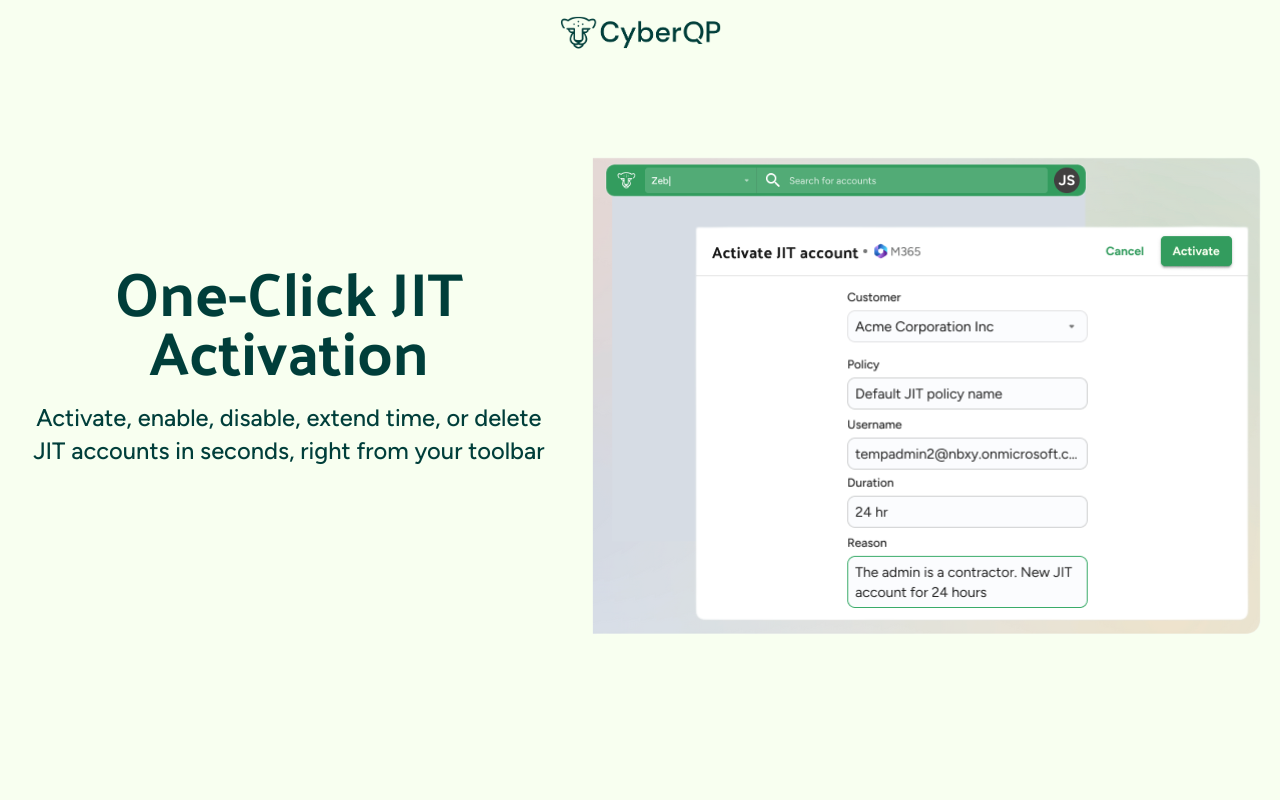
- One-Click JIT Activation: Activate, enable, disable, extend time, or delete JIT accounts in seconds, right from your toolbar.
- Credential Autofill: Skip the copy-paste hassle. Autofill usernames, passwords, and TOTP codes directly into Microsoft login pages or launch Microsoft portals with credentials preloaded.
- Boosted Technician Productivity: By eliminating manual steps, the extension helps teams move faster, reduce errors, and keep workflows running smoothly.
- Broad Compatibility: The QTech Browser Extension is available now on the Chrome Web Store and works with all major Chromium-based browsers, including Chrome, Edge, and Brave.
Get Started Today
- Pin the extension to your toolbar.
- Start using it to supercharge your JIT workflows.
- Experience firsthand how it simplifies technician productivity while strengthening access security.
Watch the walkthrough video: QTech Browser Extension Demo
The QTech Browser Extension is more than just a productivity tool, it’s another example of how CyberQP is making Zero Trust Access Management simple, powerful, and partner ready. Download from the Chrome Web Store or Book a meeting with our team to see it in action and learn how it can fit into your security and compliance strategy.
- GDPR
- CCPA
- PCI DSS
That means your credential and access workflows are secure by design and compliant by default.